About This Video
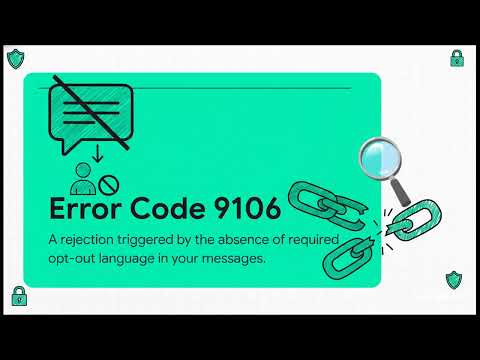
Hit with TCR Error Code 9106 on your 10DLC A2P campaign? This common rejection flags missing SMS opt-out language in your sample messages—typically lacking clear "Reply STOP to opt out" instructions, which carriers require for compliance and consumer protection.In this focused guide, we explain Error 9106: why it triggers, exact root causes (no STOP keyword in samples, incomplete opt-out phrasing, missing HELP/STOP in flows), and fast, proven solutions to remediate and resubmit with confidence.
Vital for any business using SMS in e-commerce, healthcare, finance, staffing, or notifications—avoid delays and extra fees from repeated rejections.
MyTCRPlus Solutions for Zero Opt-Out Rejections. Dealing with 9106 or similar errors? Try our free TCR Rejection Remediation Tool at mytcrplus.com — input code 9106 for instant analysis, root cause details, compliant opt-out templates, sample message fixes, and carrier-aligned workflows. Plus, our TCR toolkit includes pre-flight diagnostics, hosted compliance pages, and Academy training to prevent opt-out issues forever.
Comment your rejection code—what's stopping your campaigns?
Read the Full Guide
About This Video
How to resolve TCR error code 9106 — the required opt-out language for compliant SMS campaigns, where it must appear, and exact phrasing that satisfies CTIA guidelines.
More From the Channel
All MyTCRPlus videos are on the Video Wall and on YouTube at @MyTCRPlus.