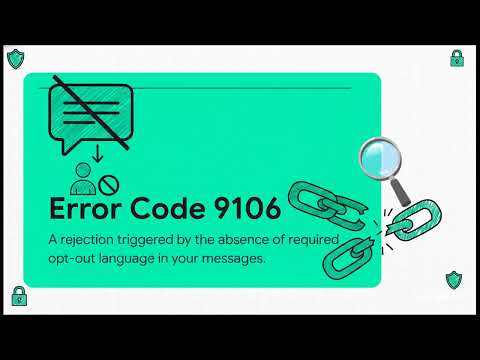
About This Video
Got hit with TCR Error Code 9607 on your 10DLC A2P campaign? This rejection means carriers couldn't verify your customer consent records or opt-in flow— one of the most common (and fixable) issues blocking approvals.In this step-by-step guide, we break down Error 9607: root causes, why it triggers (pre-checked boxes, missing proof, unclear CTAs, verbal opt-in gaps), and proven solutions to remediate fast and re-submit successfully.
What you'll learn:
Exact meaning of TCR 9607 & related consent verification failures
Common triggers:
Invalid opt-in methods, no screenshots/proof, non-explicit consent, mismatched message flows
Systematic fixes:
Update CTAs, add unchecked checkboxes, provide verbal/script proof, screenshot opt-in forms
Carrier-specific tips (T-Mobile, AT&T, Verizon) for consent language & documentation
Prevention:
Build compliant opt-in flows from the start + pre-submission checks
How to avoid repeated rejections and speed up approvals
Essential for e-commerce, healthcare, finance, staffing, or any business relying on SMS marketing/notifications.
MyTCRPlus Tools to Fix & Prevent 9607 Forever Facing Error 9607 right now? Use our free TCR Rejection Remediation Tool at mytcrplus.com — paste code 9607 for instant diagnostics, root cause analysis, step-by-step fixes, consent form templates, and carrier-aligned workflows. Plus, our RingCentral TCR Consent Form Generator and hosted microsites ensure verifiable proof every time.
Subscribe for more TCR error code breakdowns, 10DLC fixes, and A2P compliance strategies!
Comment your rejection code below—what's blocking your campaigns?
Read the Full Guide
More From the Channel
All MyTCRPlus videos are on the Video Wall and on YouTube at @MyTCRPlus.